Looking at other frequencies
Know your frequencies.
Since the device support 10 MHz to 6 GHz (or 9 kHz to 7.2 GHz Eco model) we can look at more than just Wi-Fi, but do remember using a well calibrated antenna for optimal measurements.
There are a lot of things we can look at, like everything at sub-1 GHz, 3 GHz, 4 GHz ?!
A good tip is to use a sweep mission first to find some interesting frequencies, then take a note of the center frequency and use that in the real-time mission.
LTE 800 MHz
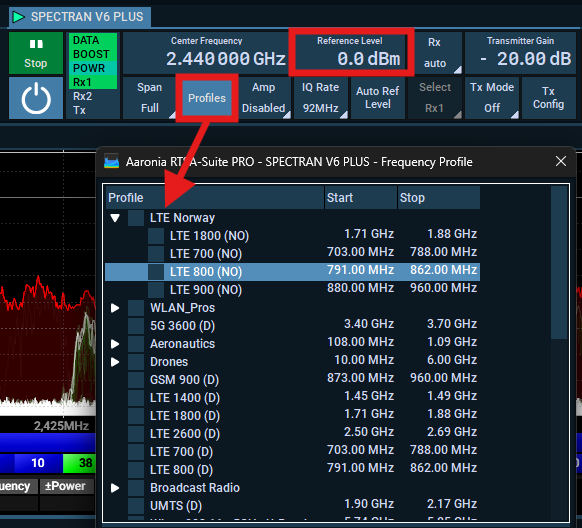
First, set the reference level to 0.0dBm, open the Profiles and select any profile. I made one for Norway for our LTE providers that includes the name and color profile for each company.
How to make profiles is in the works.
When I select it, the profiles in the spectrum view is added automatically, then I changed the ref.level since the signal was quite weak and disabled Wi-Fi on my iPhone.
Pretty easy to see that I use Telenor right?
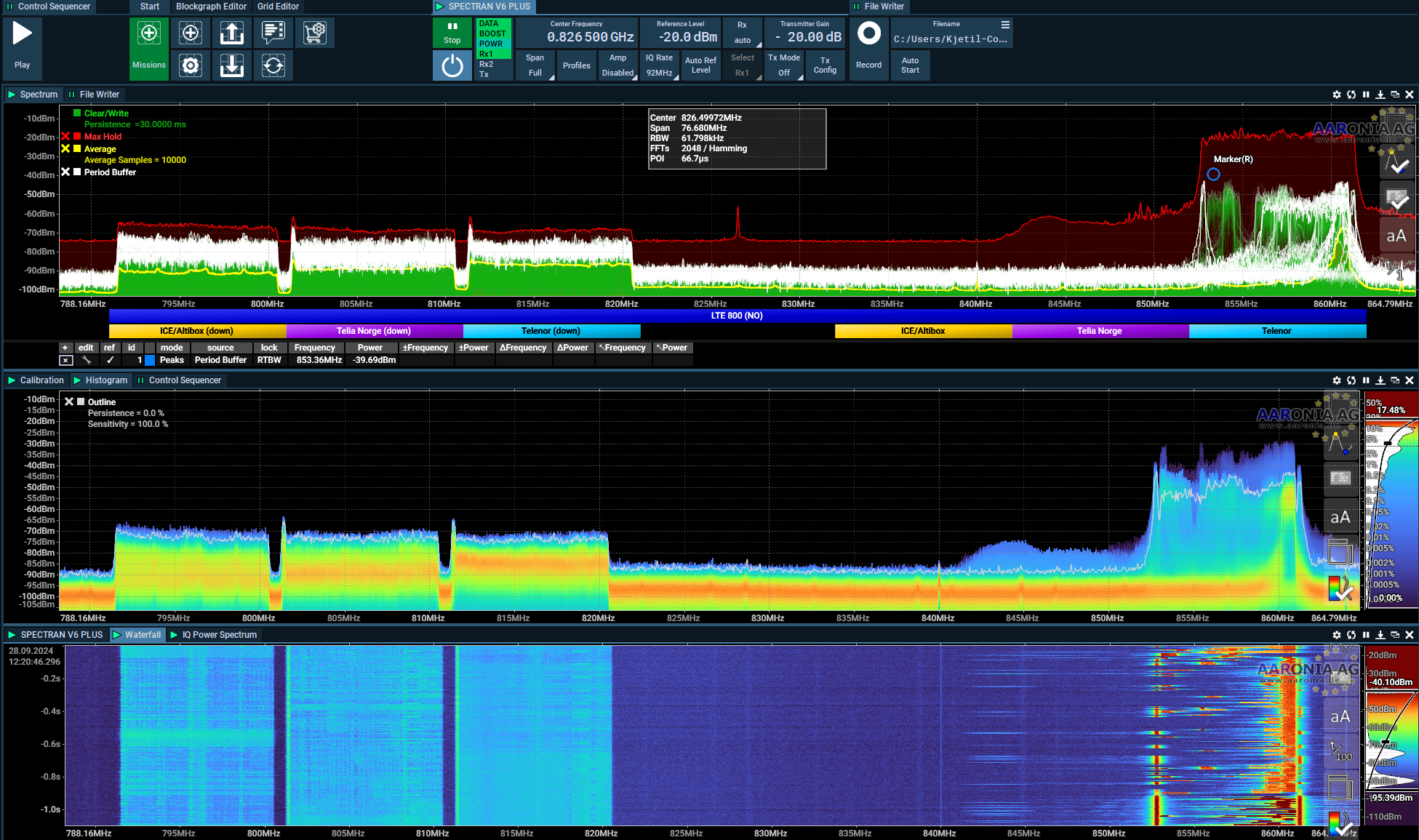
What we see here is downlink from ICE (Altibox), Telia and Telenor, then uplink on the right.
Be cautious and always use an RF/SMA Limiter. Avoid enabling the preamp when the signal from your phone is near the antenna, as it can be quite high for obvious reasons.
What about other frequencies?
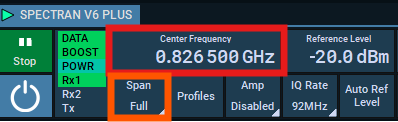
Just change the Center Frequency to a know frequency of some of your IoT devices, and change the span to 1/2 to remove any DC spike, or place the center a few MHz away from the signal you are looking for. There are so much fun and interesting signals, and did you know we can decode most of it?
Later in this gitbook I will provide a mission to decode "any" signal.
Last updated
Was this helpful?