In real-time mode, we capture the In-phase (I) and Quadrature (Q) components of a signal, allowing us to demodulate signals within the captured data. The Spectran V6, a real-time spectrum analyzer, features an adjustable* RTBW (Real-Time Bandwidth) filter of varying sizes, enabling flexible signal analysis.
Because the analyzer processes and displays data as fast as, or faster than, it acquires it, the real-time mode ensures continuous data acquisition. This prevents gaps in signal capture, making it possible to detect brief, transient signals that could be missed in traditional spectrum analysis.
*Spectran V6 150XA-6 has a RTBW of 44MHz, Spectran V6 Plus has the option to go all the way up to 490MHz RTBW.
Factory Missions
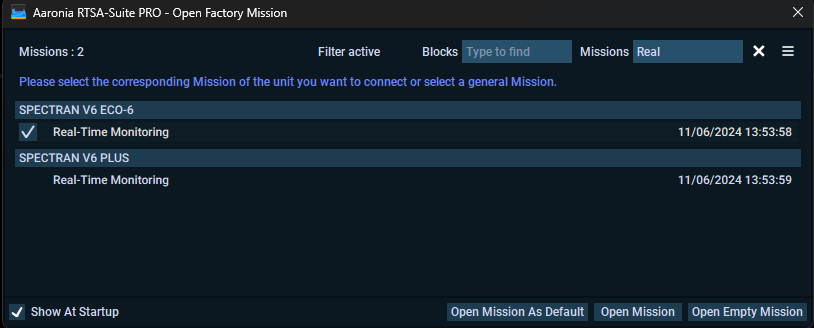
Aaronia Software comes with two Real-Time Missions, one for Eco and one for Plus, these missions will use the recommended settings for a real-time view of 2.4GHz.
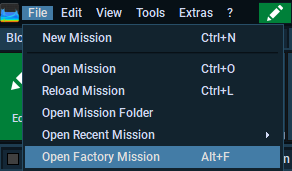
You can open these up from the File menu -> Factory missions or press ALT+F
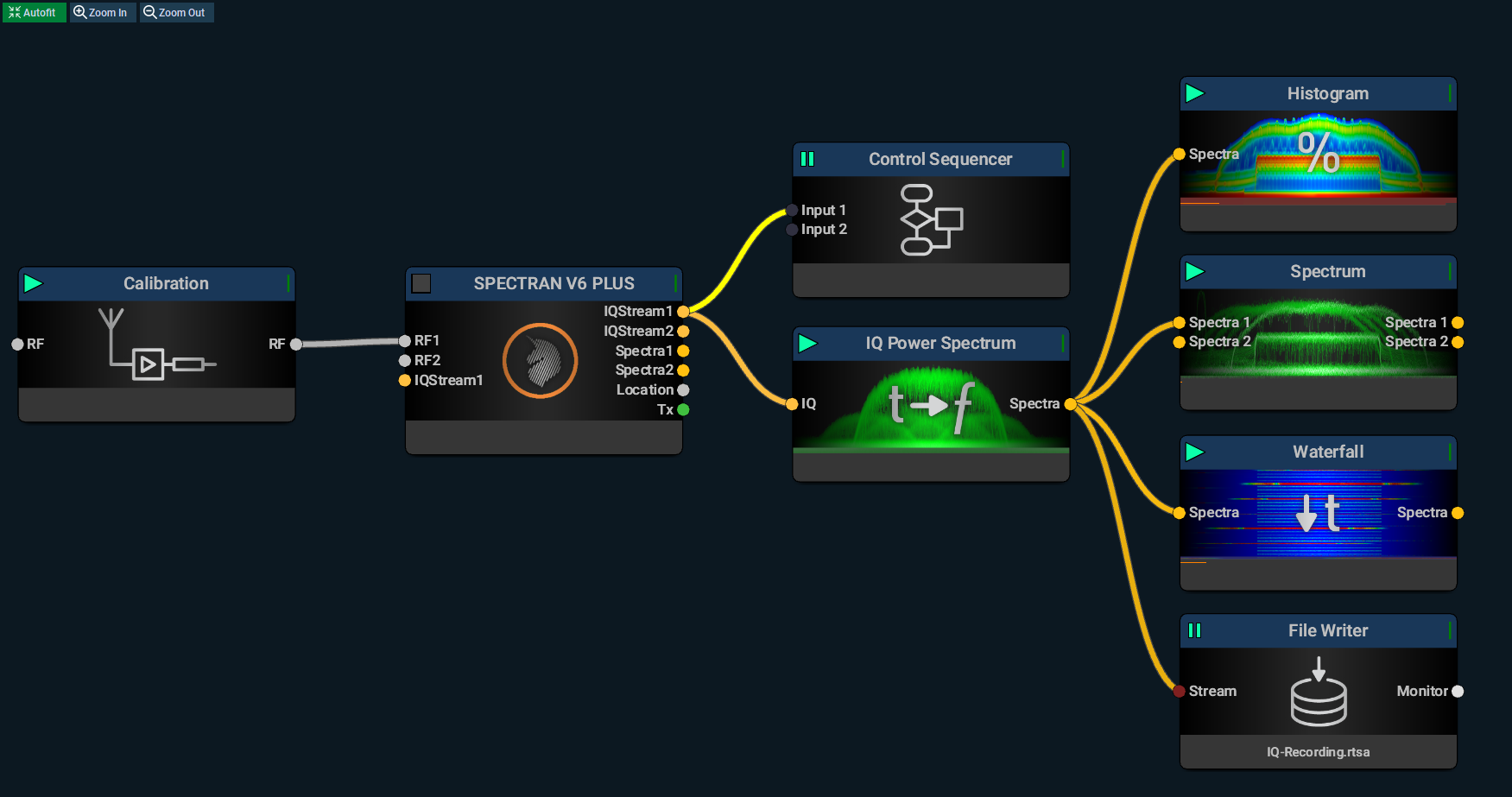
The mission looks like this when you opened it up, where the most important blocks being the hardware block (V6 Plus) and the IQ Power Spectrum that turnes I/Q into Spectra data using complex FFT calculations.
Factory V6 Plus Mission
You can use this block as it is, or learn how they are made from scratch by looking at the next section.