🤷♂️How to use this mission
At first glance
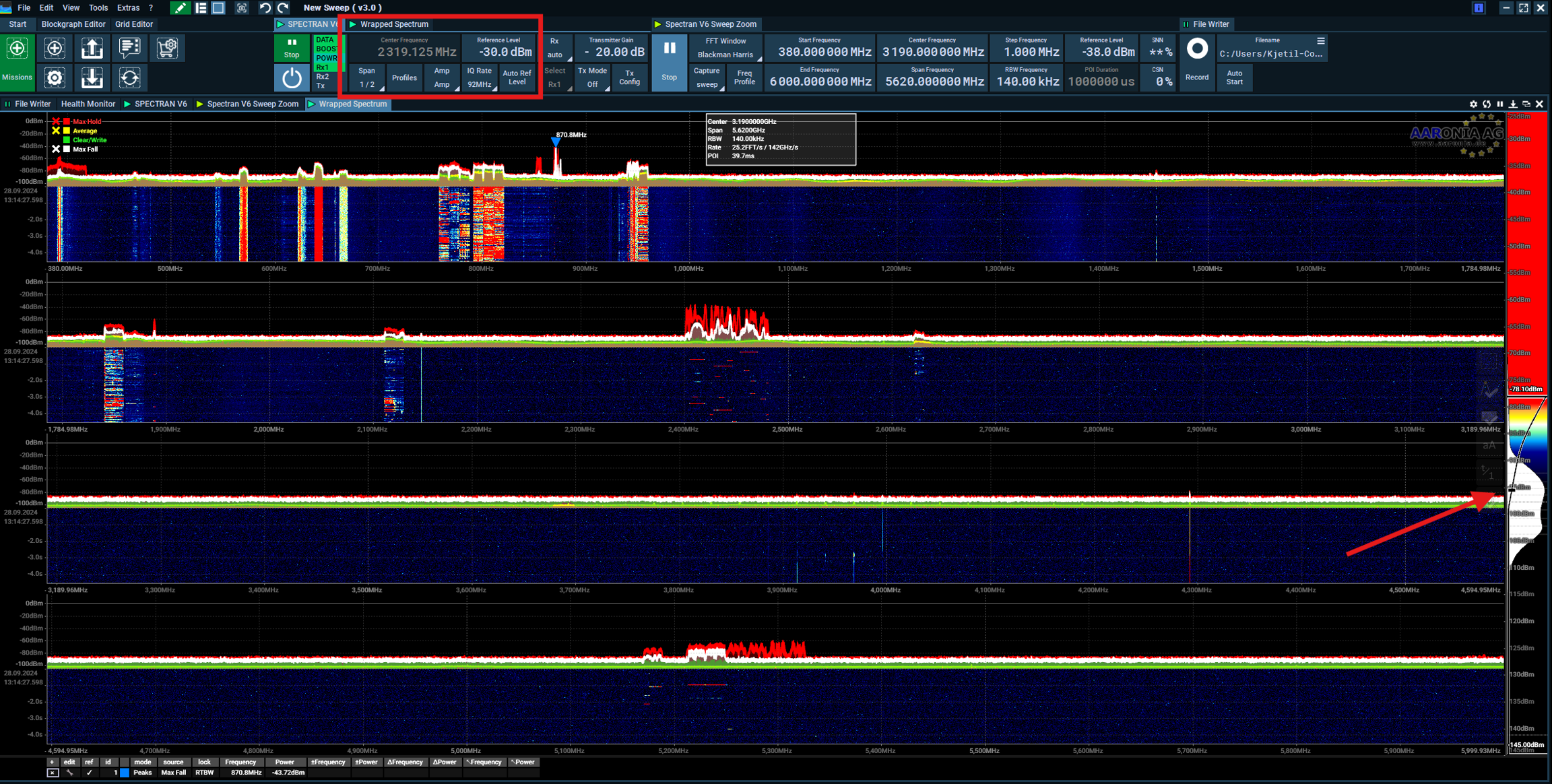
When you open the mission (Plus) you will end up with a view of 300MHz to 6000MHz

What to change first
The first thing you can do is to change the ref-level a bit lower, for example to -30dBm. Remember to still use the RF/SMA Limiter, and do not use the preamp if you do not own one yet.
You can change the Capture from sweep to fsweep to make it a bit faster, and you can also select the start and end frequency if you want to look a smaller section.

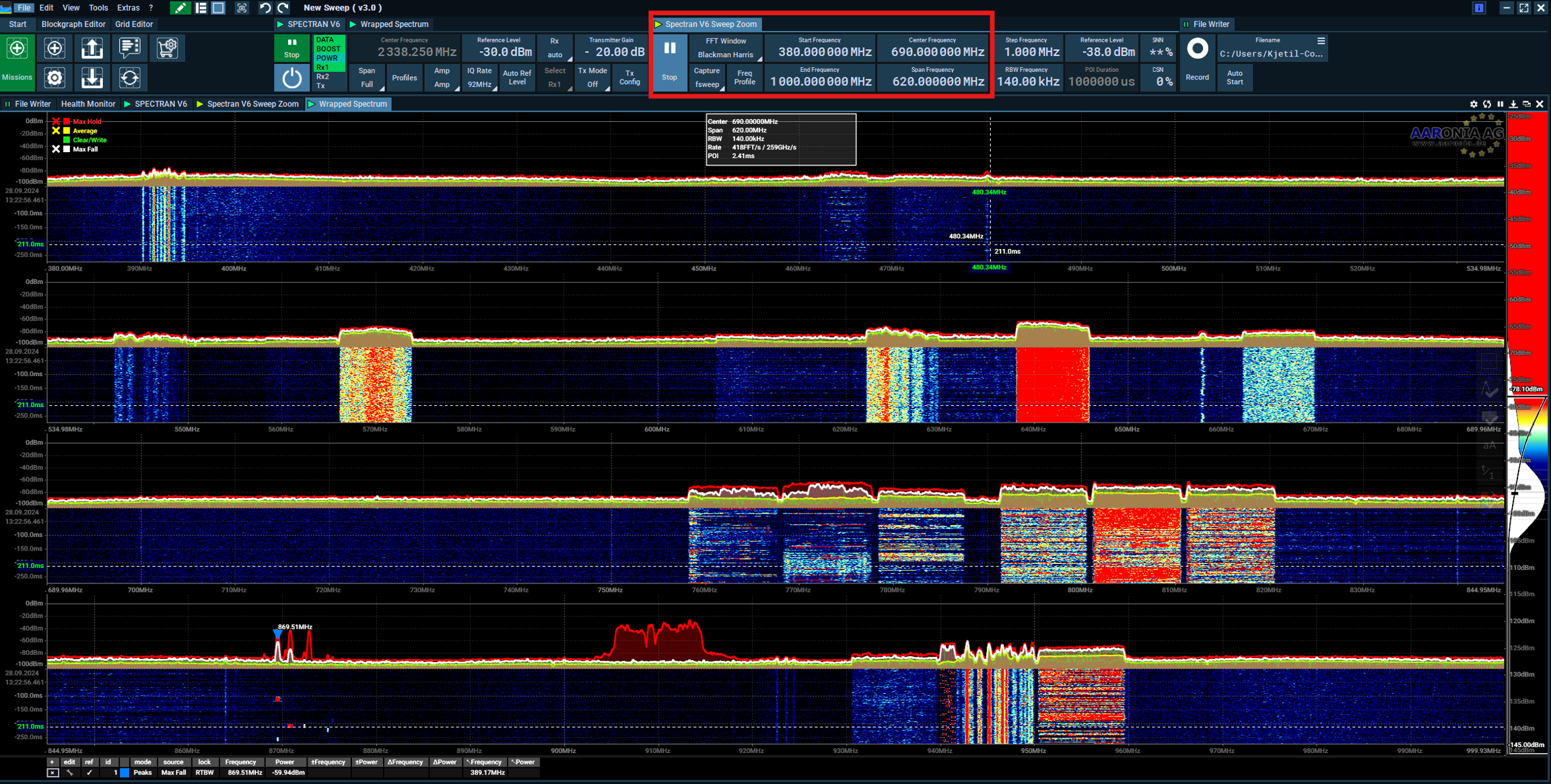
What about 380 to 1000MHz
Here I changed the start-end from 380 to 1000MHz, and it is a bit faster now.

Add Profiles and only focus on LTE 700-900MHz
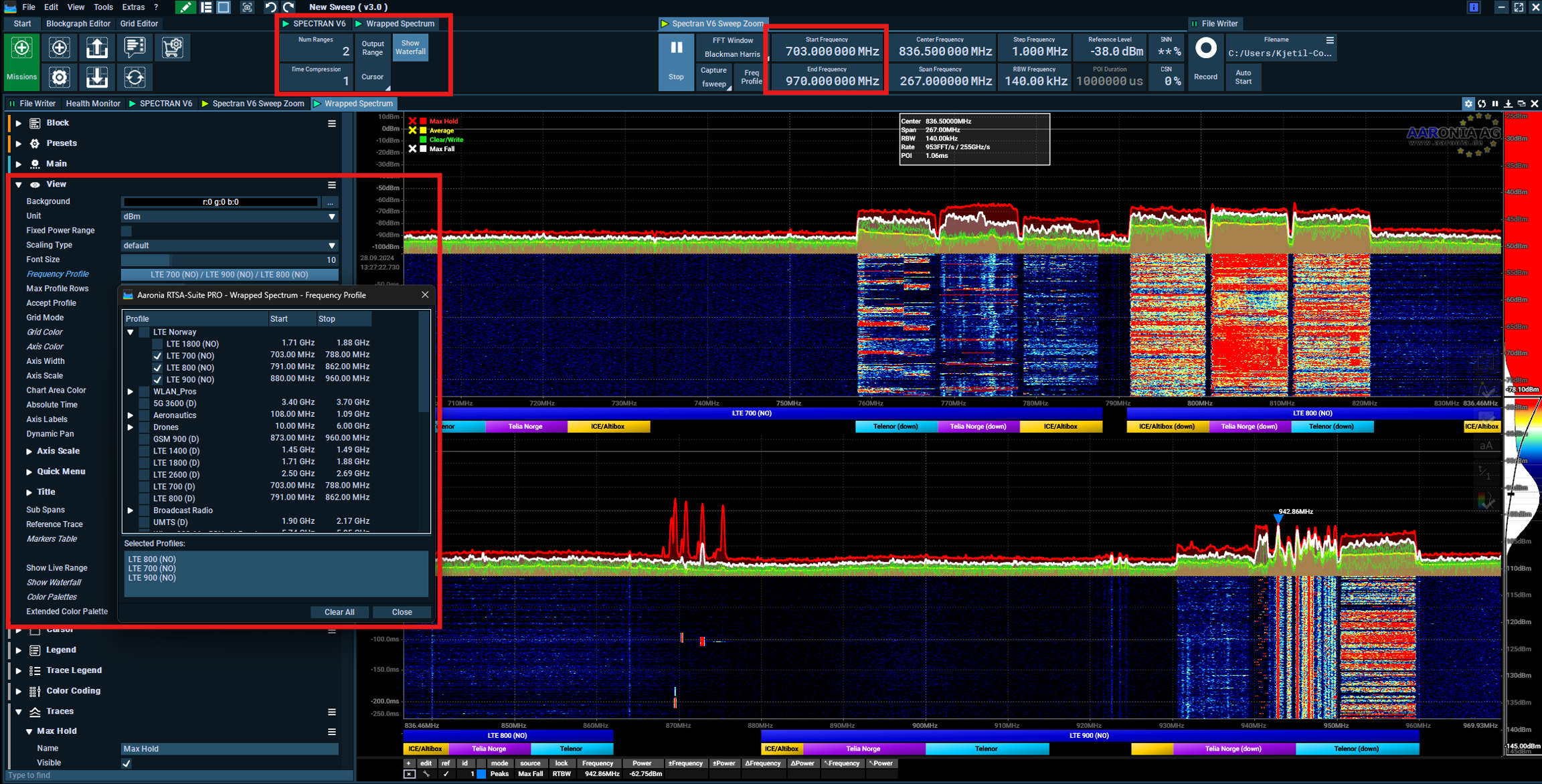
What about only LTE 700-900MHz? Here I changed the wrapped spectrum block to only show 2 rows, I changed the start-end to 703 to 907MHz and added my custom profiles.
Try and change the RBW down a bit when looking at a smaller frequency range.

What next?
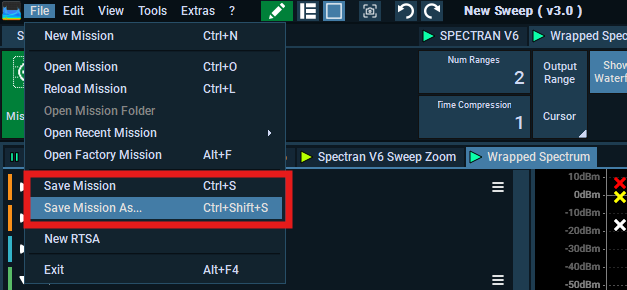
If you are happy with your new mission, why not save it to a new custom mission?

Do you think you have a solution to make a 5GHz Wi-Fi Sweep mission?
Was this helpful?